


VARIABLE SYMBOL VALIDATION
1 New elements
| New Elements | |||
| NAME | ID | TYPE | DESCRIPTION |
| RSM Variable Symbol Validation | customscript_rsm_variable_symbol | SuiteScript Client Script | Script validating if field variable symbol holds right value. |
2 Script overview
Purpose of the RSM Variable Symbol Validation script is to verify entered value, so it fits variable symbol format. Variable Symbol format contains exactly ten numbers, script automatically adds zero/s before entered value so the length of entered numbers is ten. Variable symbol contains only these characters: 0-9. If the format contains letters or special characters, then the user is notified. If the customer input contains only numbers, script adds zero/s and user will not be notified.
2.1 Entry Point
Script contains only one entry point: validateField. Script is generally executed when a field is changed by a user or client-side call.
Validate Field
At first, we check if the field id is equal to our Variable Symbol (Payment) field ID. If is equal, then we continue and validate the format, otherwise we end validation. If the format is invalid (contains letters or special characters) notify the customer about incorrect format by alert. If the format is valid, continue adding zeros before input until the total length is ten. After successful validation, the field will contain always ten numbers.
Sample notify customer
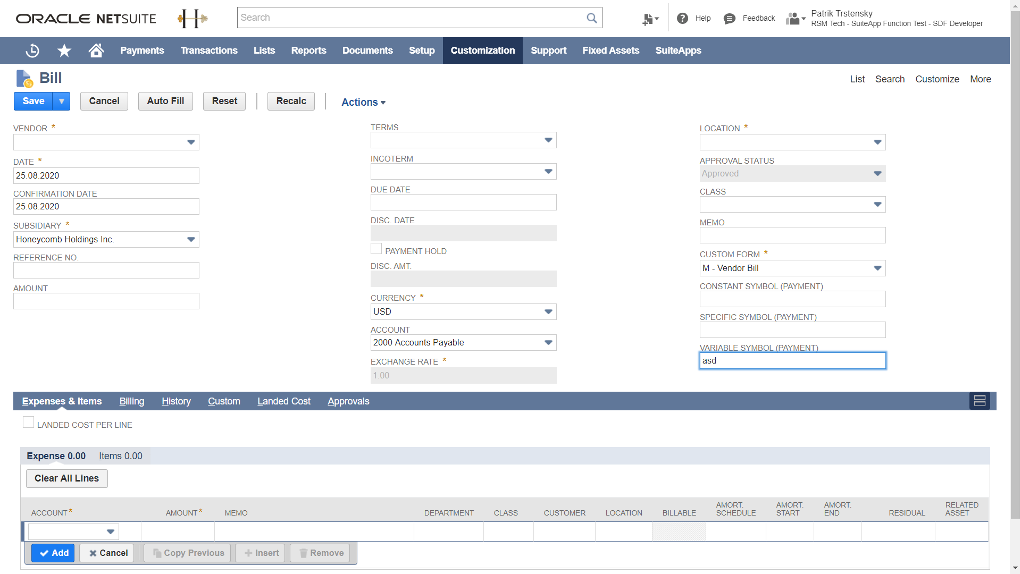
If the input contains invalid characters, the user is notified by alert.

After the user clicks OK button, the system focuses on the field and gives the user chance to rewrite input. If the user tries to continue without any changes, the script will display alert again.
Format successful validation
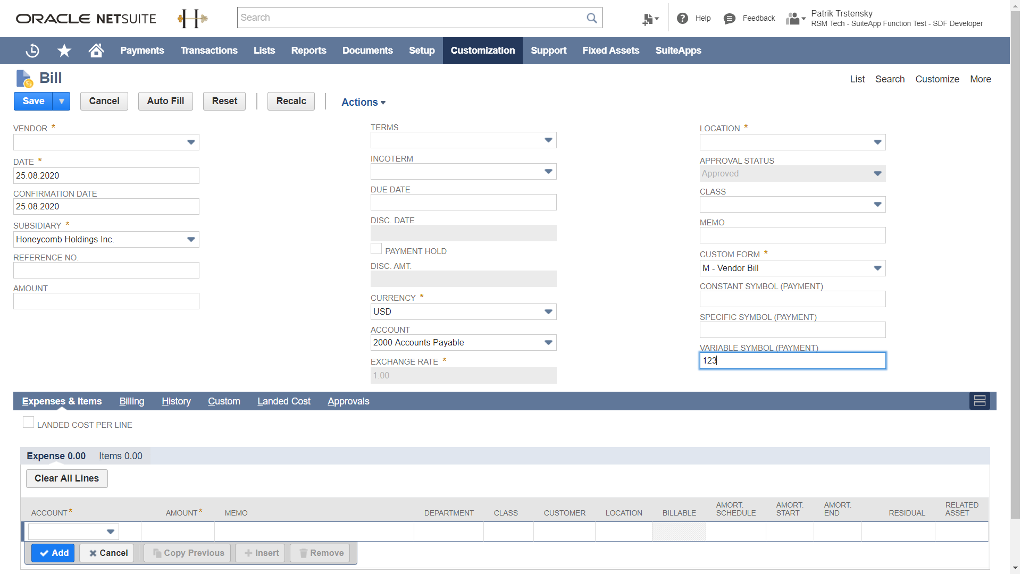
If field contains only numbers, before validation it looks like:
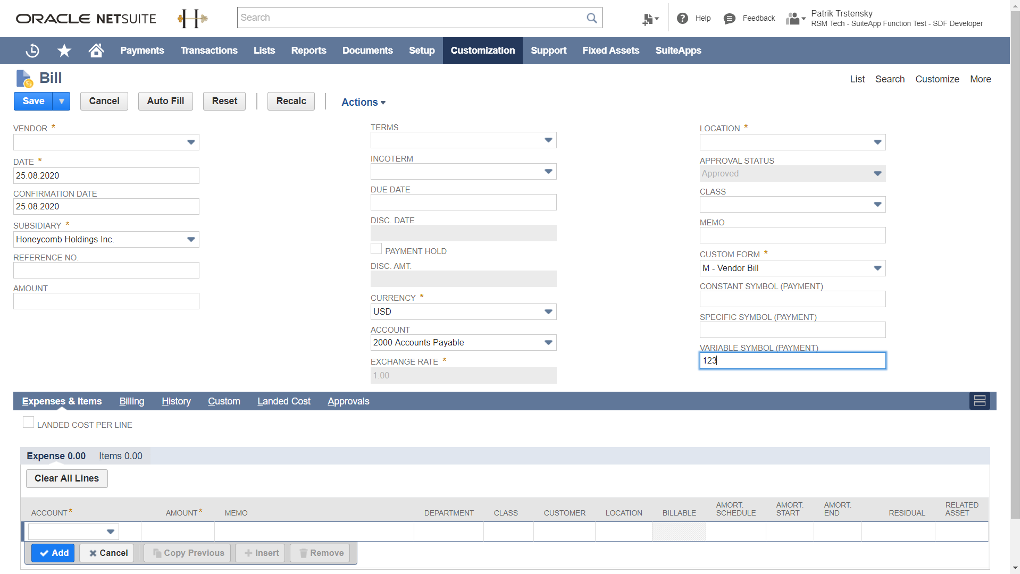
After successful validation it looks like:
3 Script Reminders
Keep in mind that the script checks field with ID: custbody_rsm_variable_symbol. If you want to use this script on another field, don’t forget to rewrite the constant VARIABLE_SYMBOL_ID in the script with your field ID.